Background
When you first receive a new Garmin device, it likely will ship with firmware that is already out of date. For optimal syncing and performance you should plan to have the device updated to the latest firmware version. This can be done prior to being set up with a paired mobile app (either Fitabase Engage or Garmin Connect).
Updating via USB
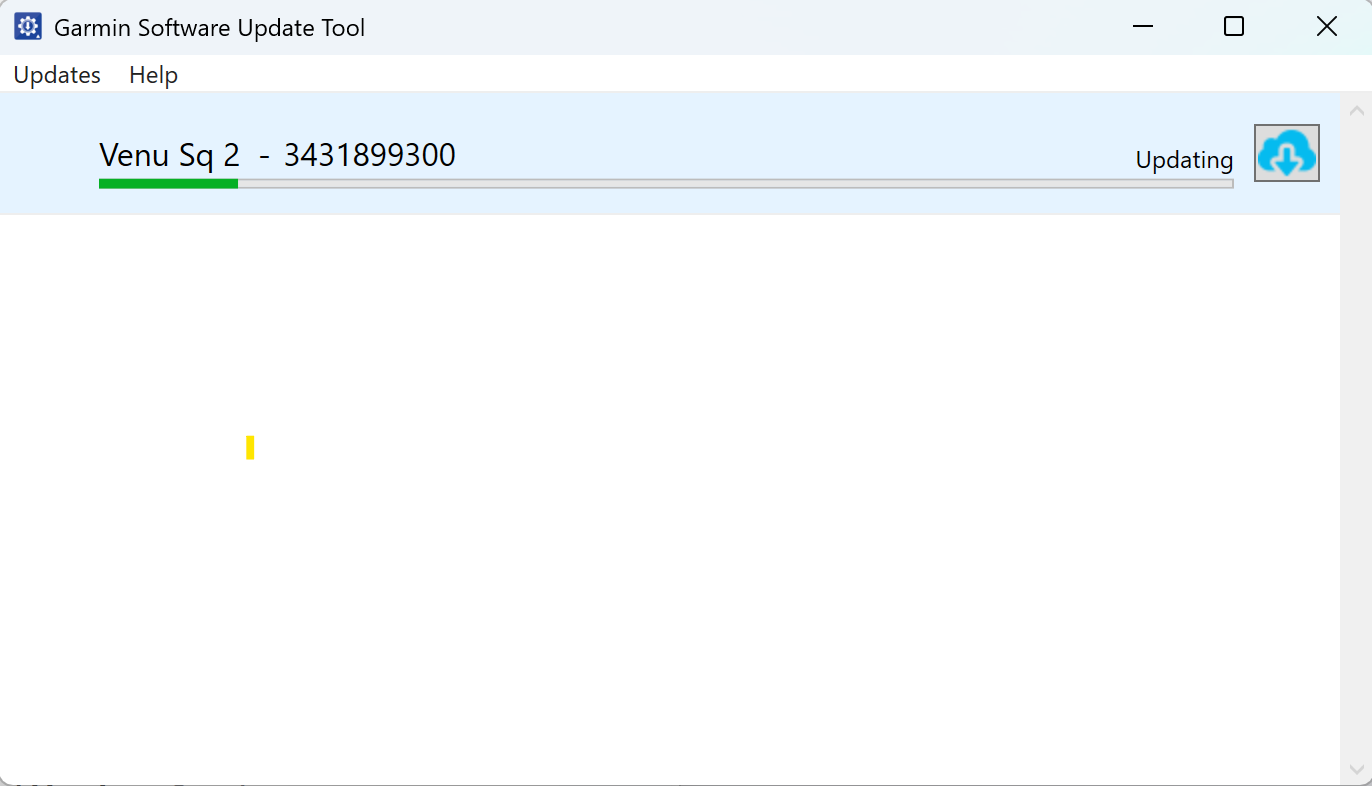
The Software Updater Tool below is available for both a Mac and PC.
- Install the software, and run it.
- Connect the device via USB to your computer. Wait for it to charge sufficiently and the screen to load.
- Click the update button next to the device when it appears in the Software Updater Tool.
- Disconnect the device. On some models an extra verification step will appear on the screen.
If that fails, try factory resetting the device and trying again.
Download
PC: https://www.fitabase.com/media/2148/garmin-firmware-updater-tool-windows.exe
Mac: https://www.fitabase.com/media/2149/softwareupdatetool.dmg